

App Design
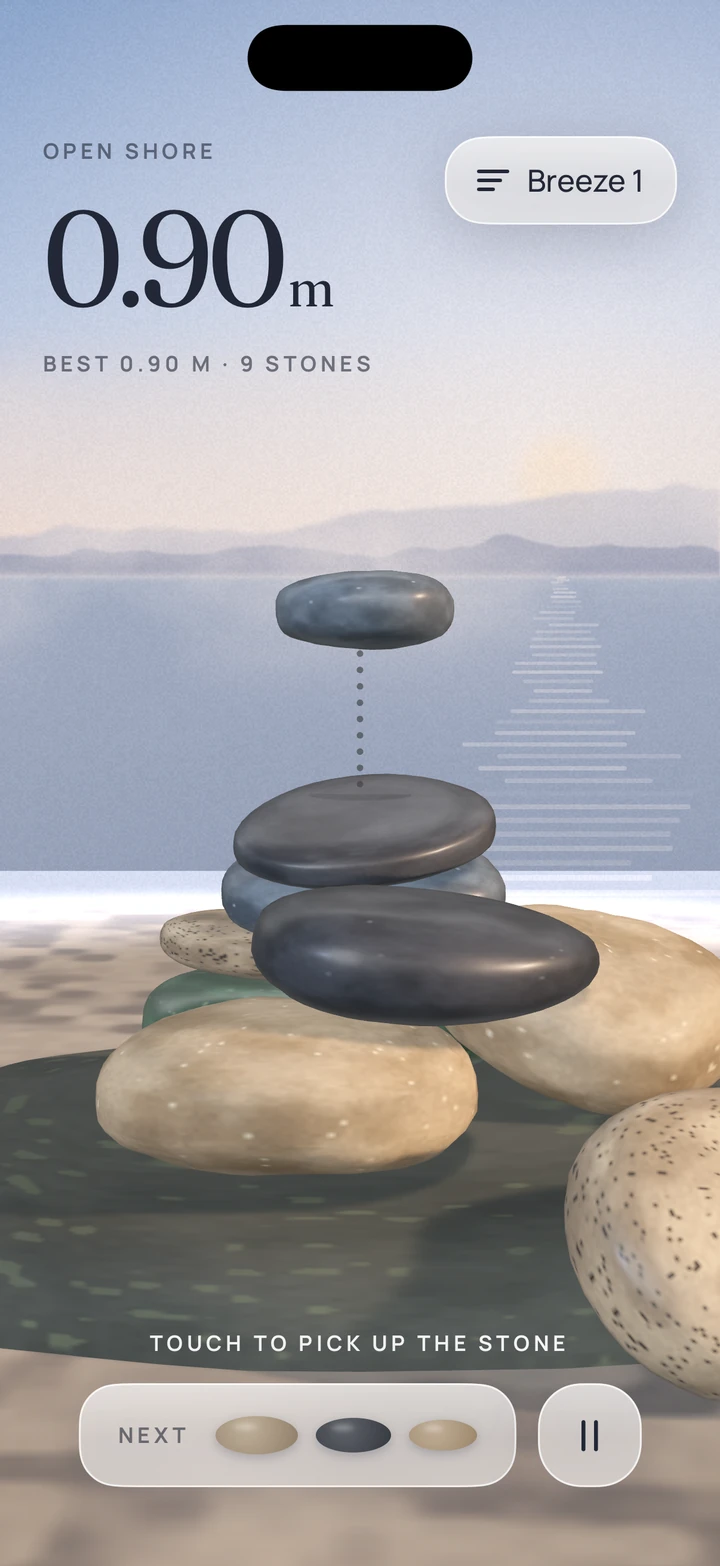
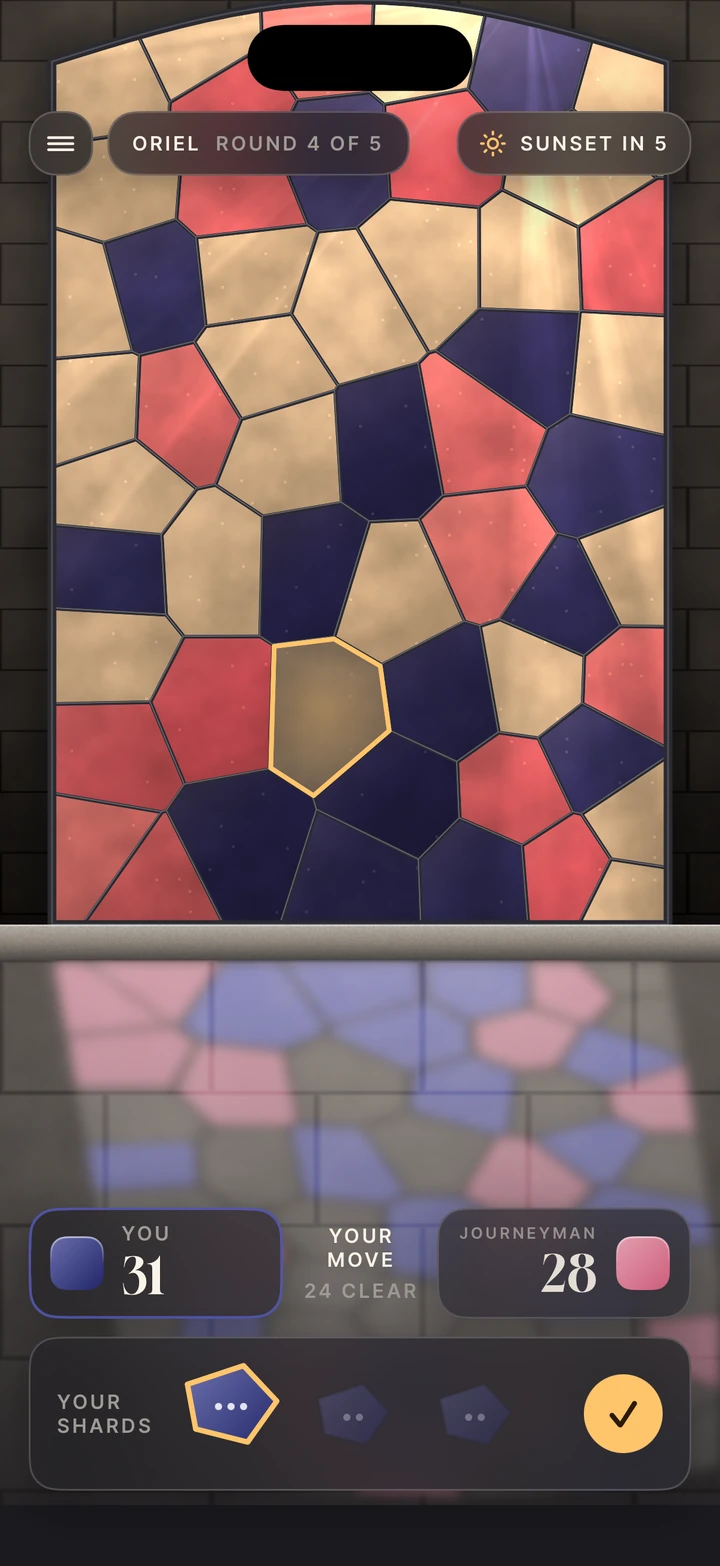
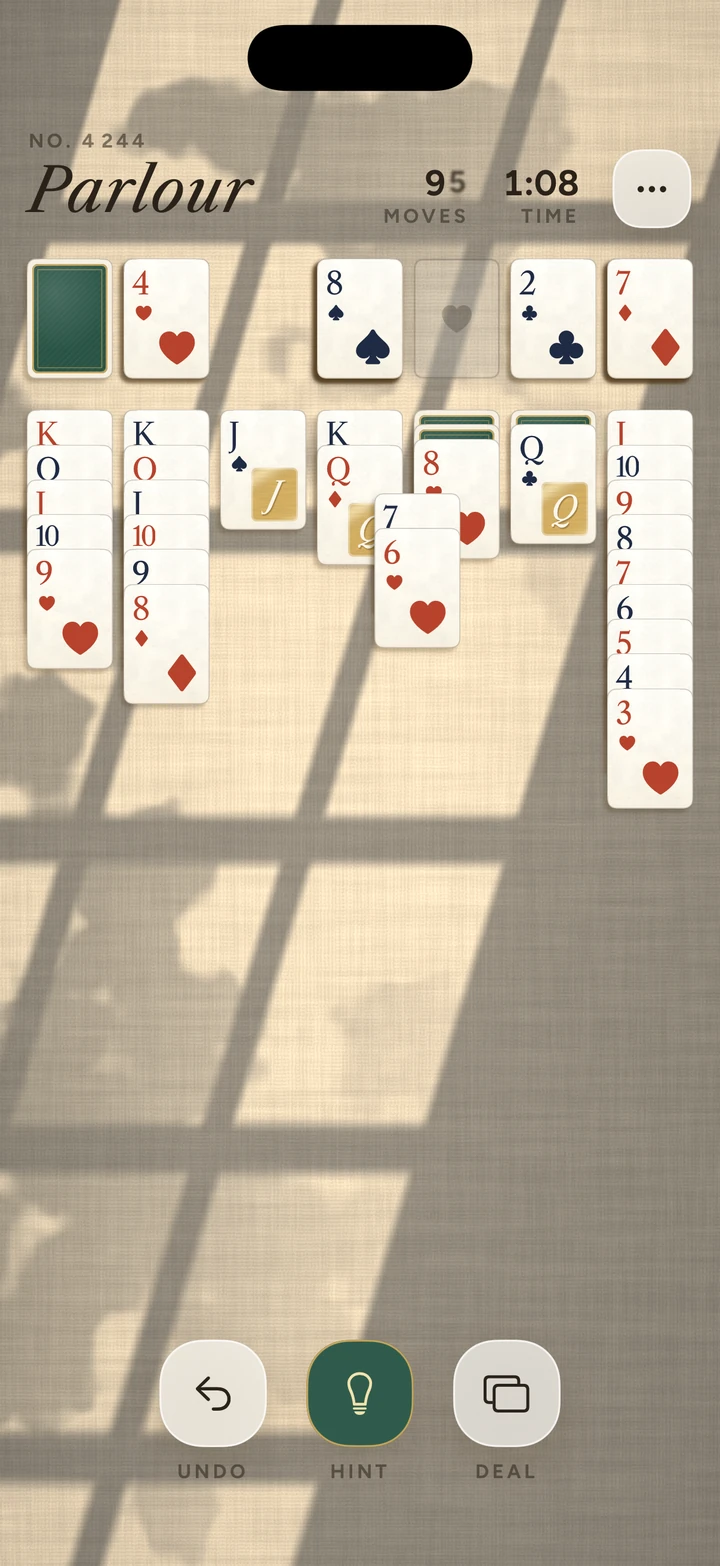
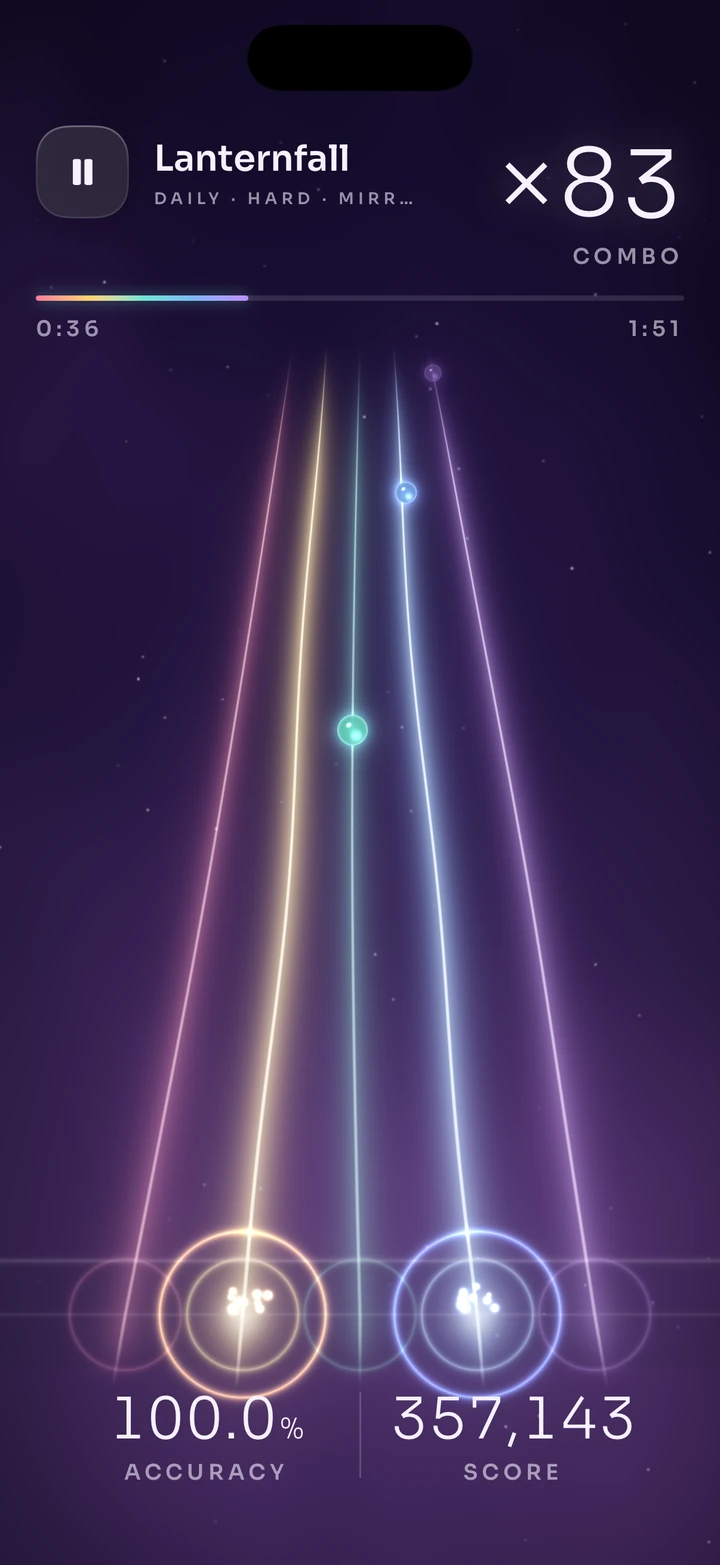
Make any SwiftUI app look and feel like the best apps on the App Store, with or without SwiftPieces.
swiftpieces-tool-app-design/SKILL.md
App Design
- 01The prime directive: study before you draw
- 02Platform baseline
- 03Native fidelity laws
- 04Navigation laws
- 05Anti-slop laws
- 06Motion laws
- 07State architecture
- Tool · Free
- 17 sections
- 6,948 words
- v1.0.0
$ npx swiftpieces add tool-app-designThe method behind every SwiftPieces screen, free for any iOS app: study real apps before drawing, reuse components instead of rebuilding them, pick the right navigation (push, sheet, cover or a one-way door), keep motion purposeful and native, run a mechanical anti-slop check, and record the whole flow in the simulator before calling it done.
What is inside
The 17 sections your agent reads, in order.
- 01The prime directive: study before you draw
- 02Platform baseline
- 03Native fidelity laws
- 04Navigation laws
- 05Anti-slop laws
- 06Motion laws
- 07State architecture
- 08Perceived performance
- 09Art and assets
- 10The simulator loop
- 11Definition of done, per screen
- 12References
- 13Reference: native controls and pieces
- 14Reference: navigation in SwiftUI
- 15Reference: motion in SwiftUI
- 16Reference: performance
- 17Reference: the simulator loop and final checklist
The skill
Pairs with
Written to combine: a style for the look, a brief for the contents, a recipe for the screens.
Changelog
- v1.0.02026-11-08Initial release.
Licensed for your own and your clients' apps under the SwiftPieces Pro license. Sharing, reselling or publishing the text of this tool is not permitted.