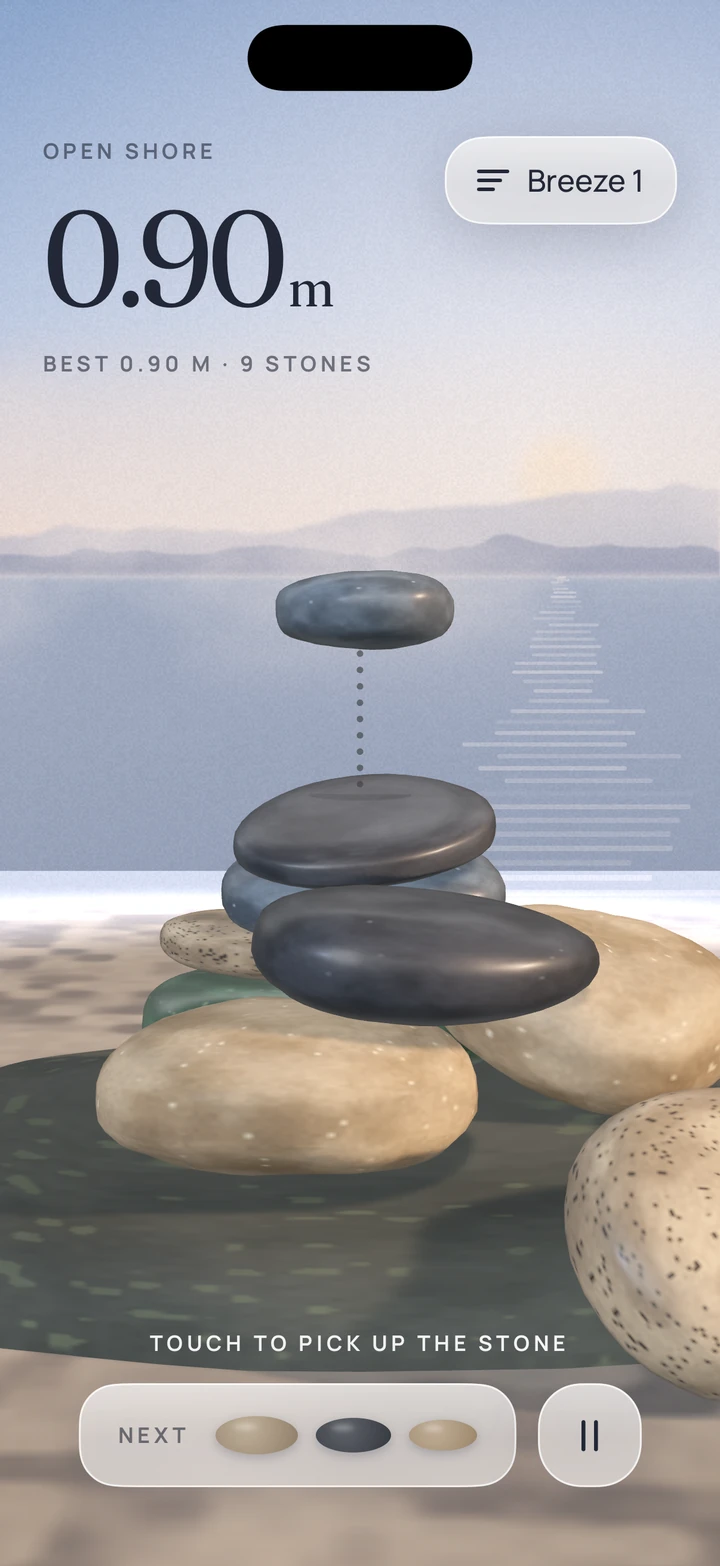
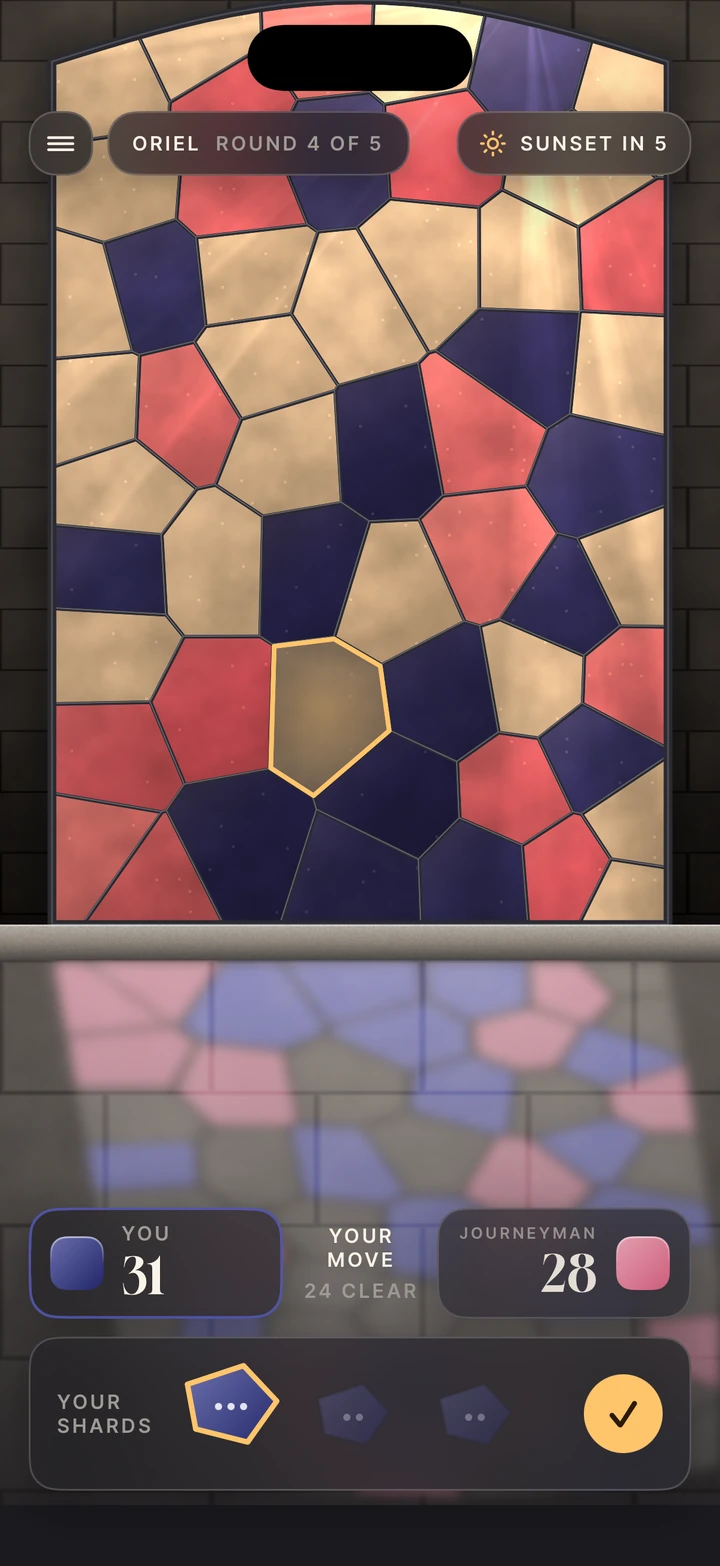
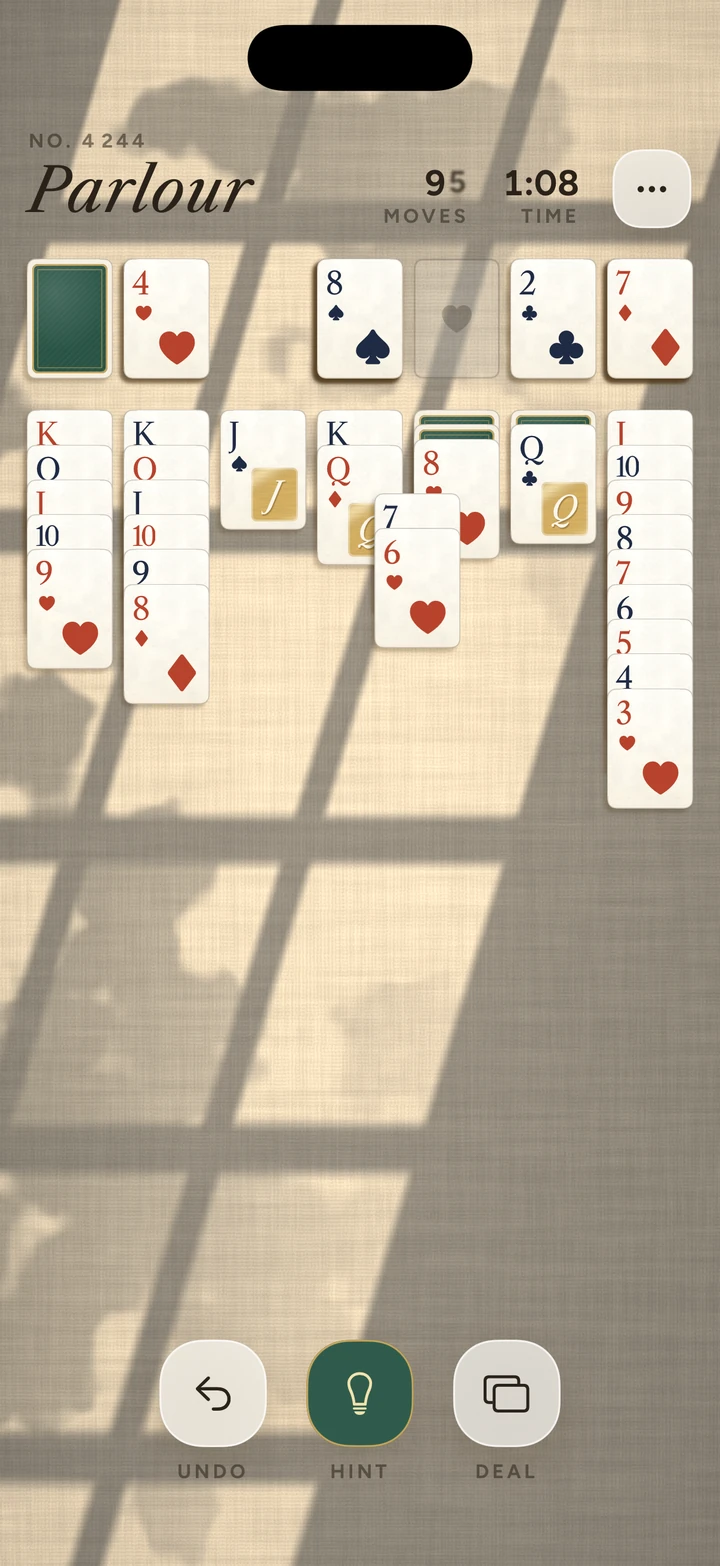
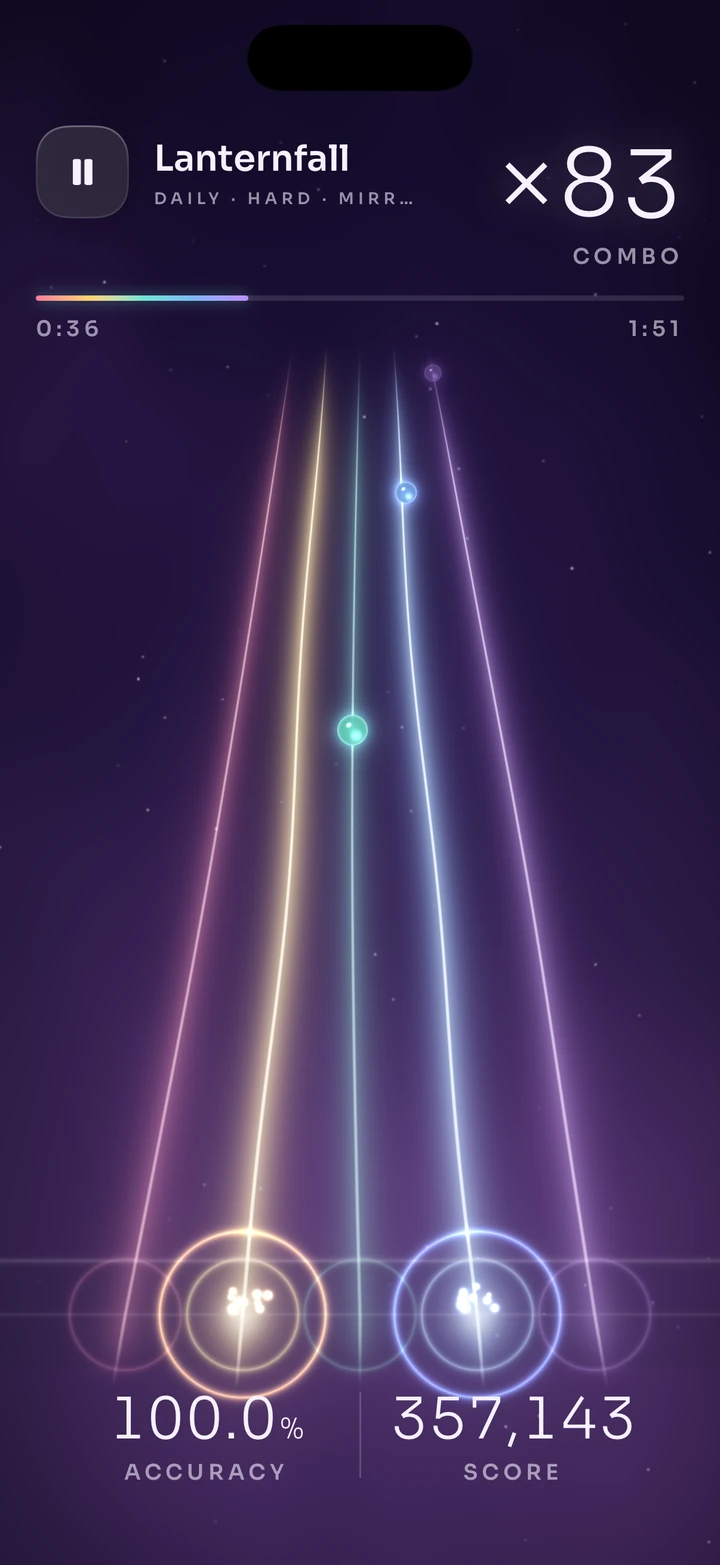
Playable Ads
Turn your game into an interactive HTML5 playable ad for Meta, Google Ads, AppLovin, Unity Ads, Liftoff, Moloco, Mintegral, Pangle, ironSource and MRAID. Included with SwiftPieces Games.
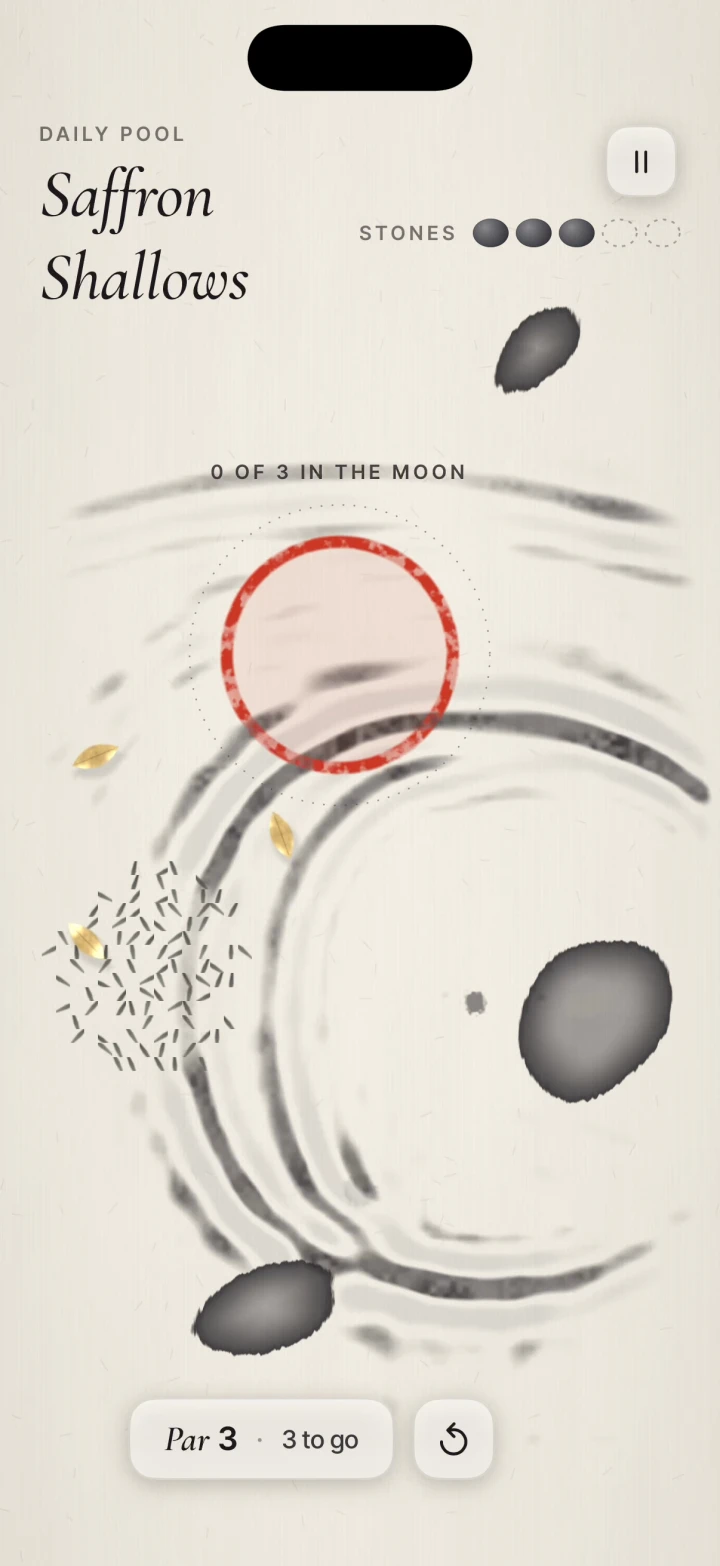
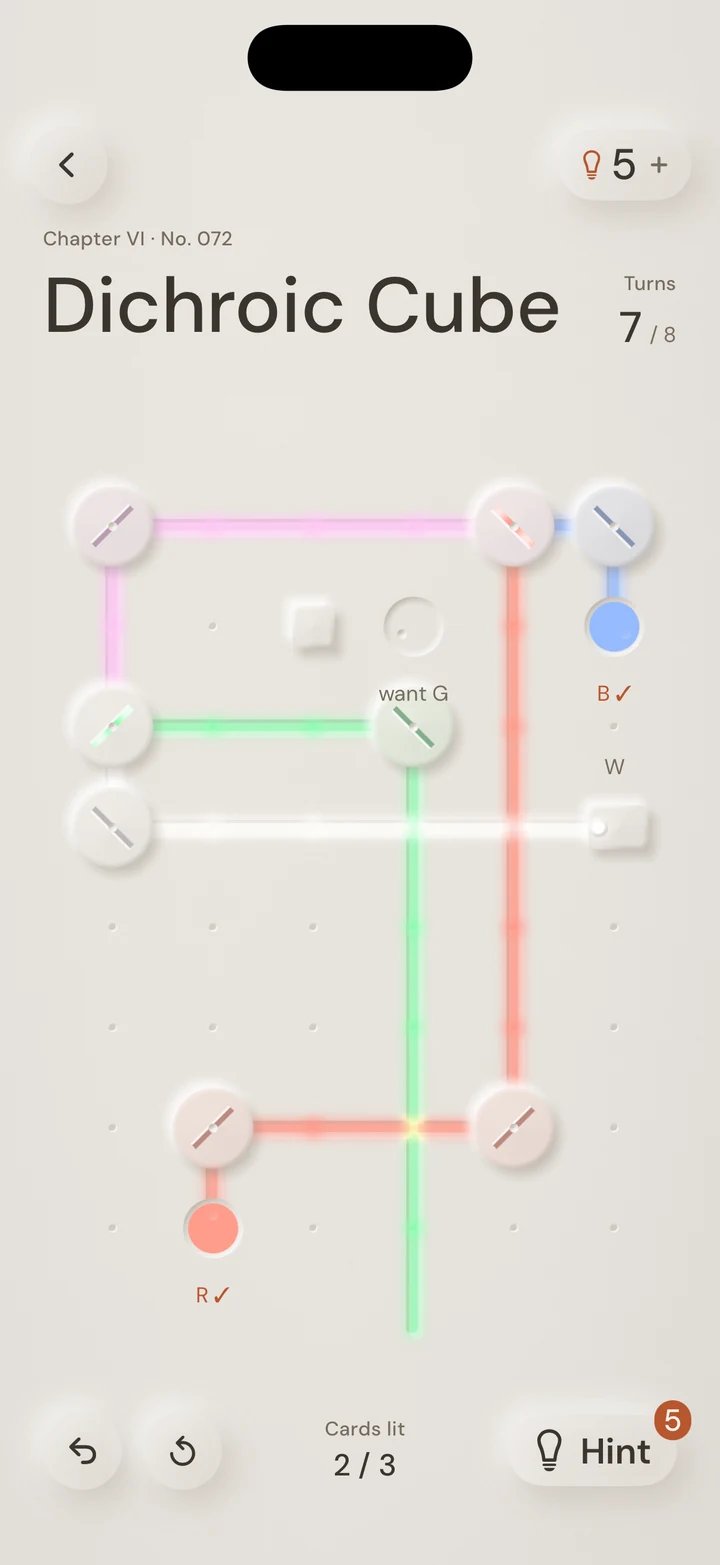
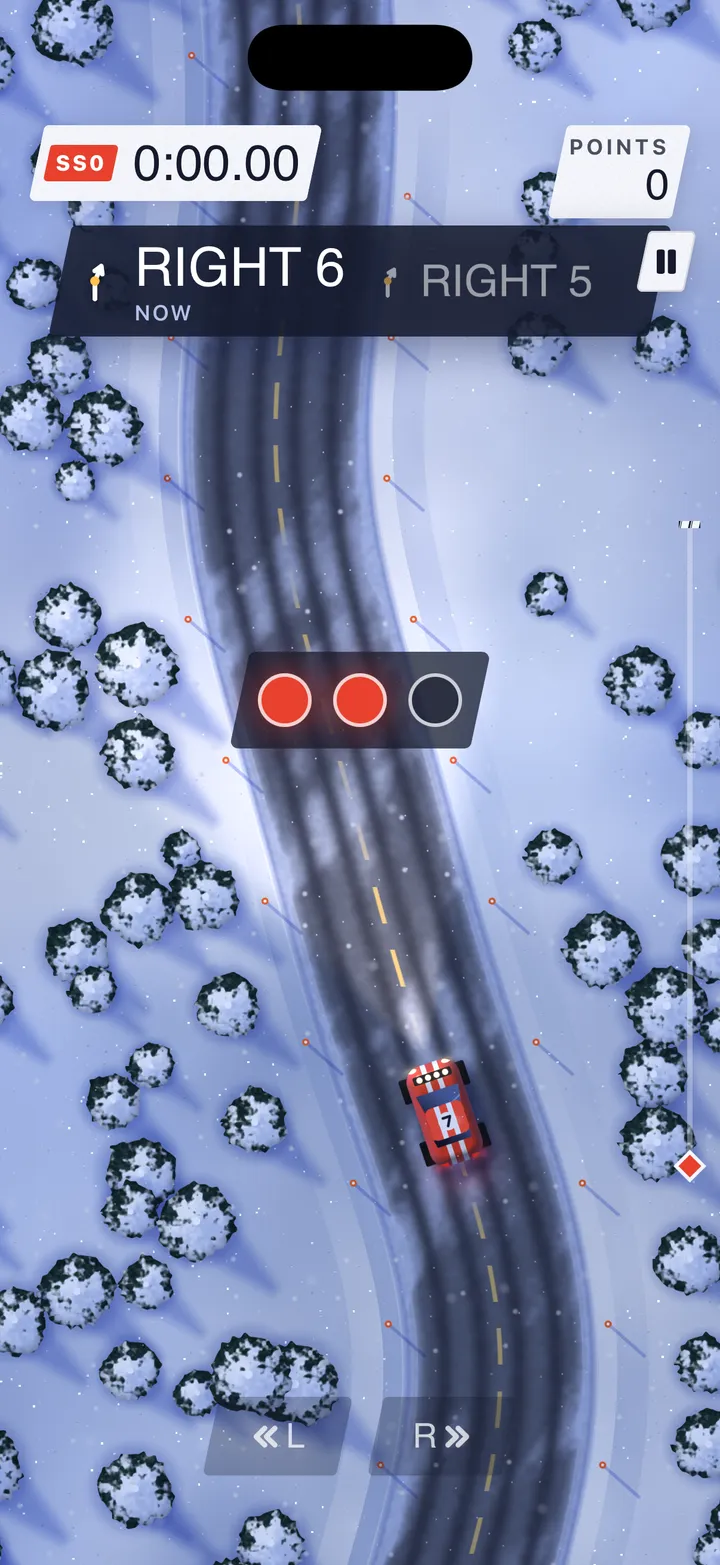
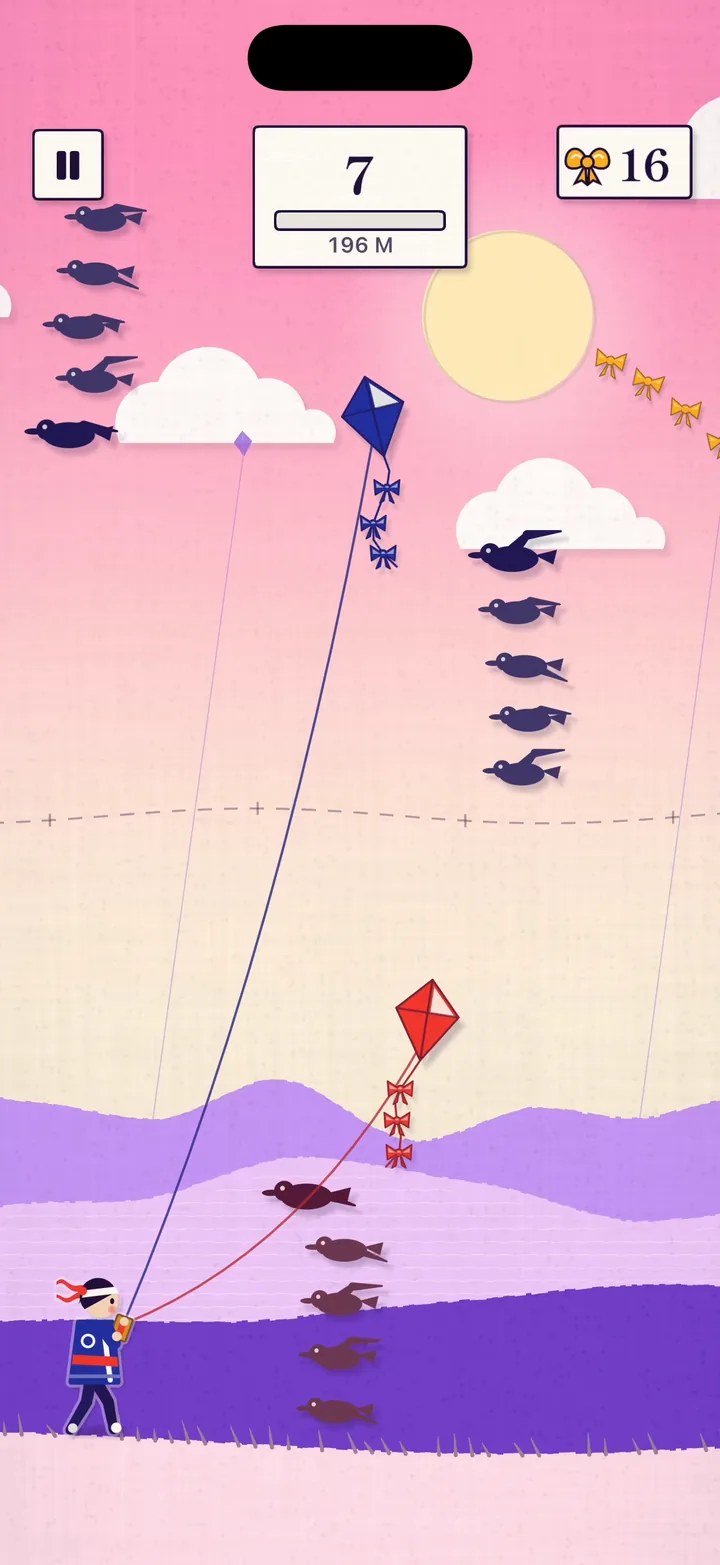
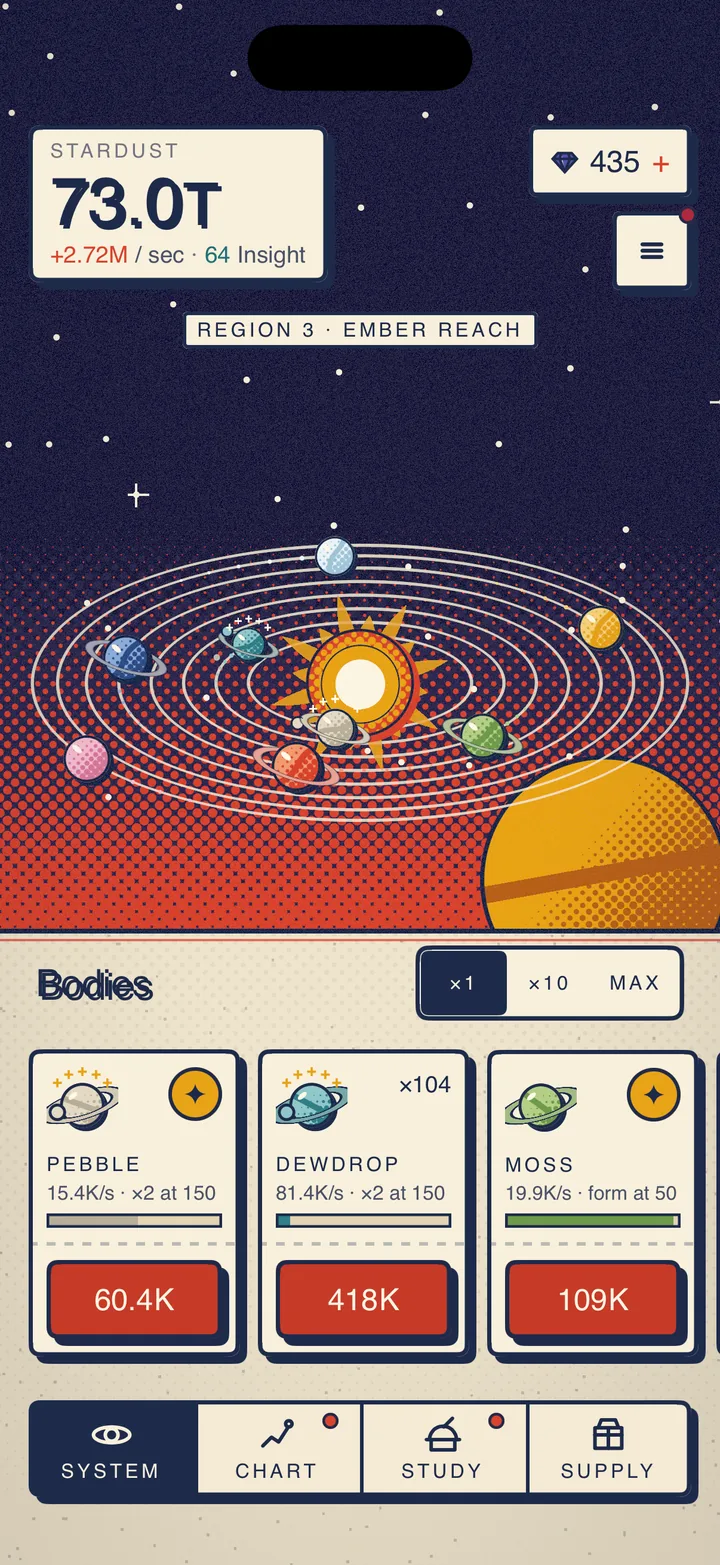
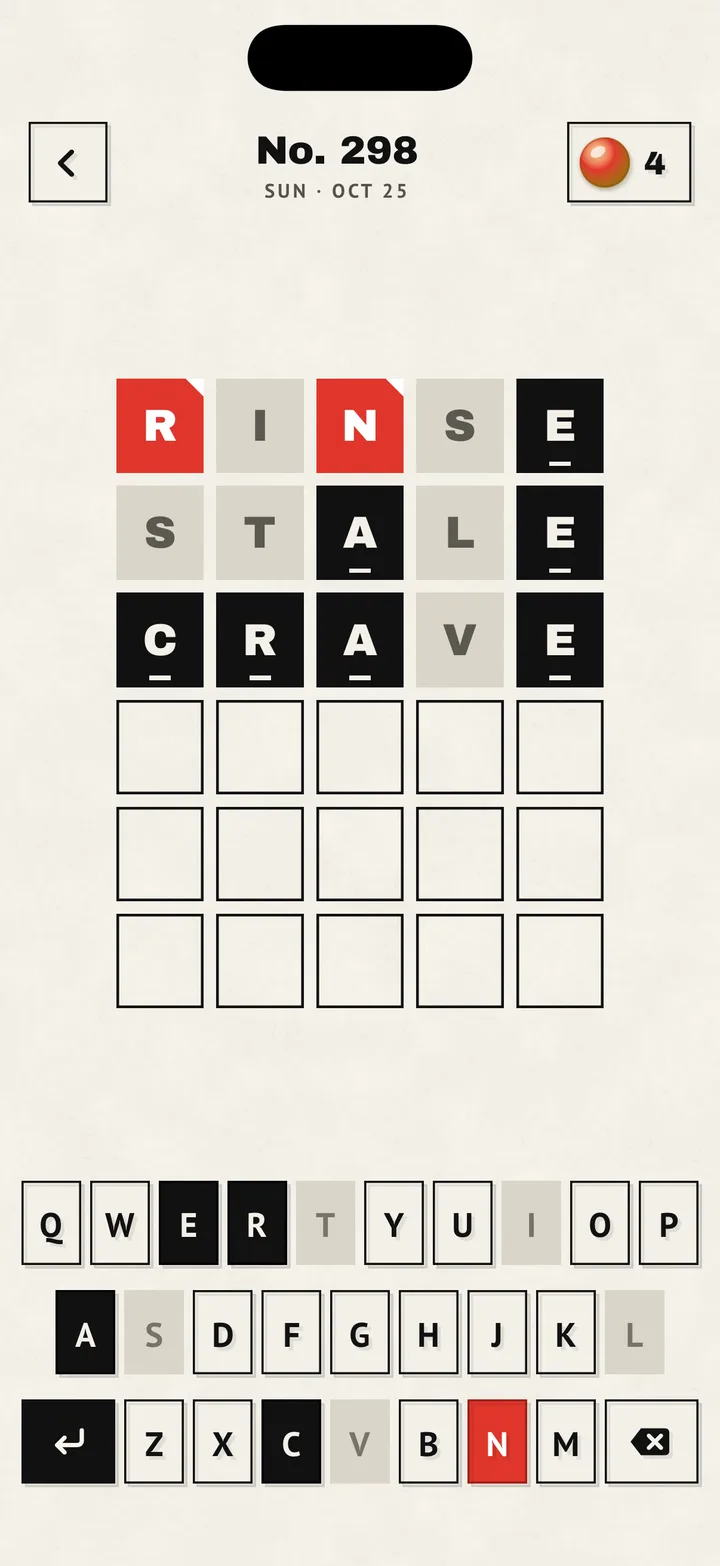
Playable Ads turns your game into an ad people can play: a 30 to 45 second slice with a hook, real tap gameplay, a hint hand, sound with a mute button, a win or a near miss, and an end card with Install Now. It comes with SwiftPieces Games (and the Everything and Team bundles), with no extra plan and no limits. Pro on its own doesn't include it.
Open it at Games › Playable Ads.
Make one
- Pick the game. The studio opens full screen. Click the game's name in the top bar to switch. Each SwiftPieces game you own comes with its ad already made. For your own game, start from the Stack template and add your art.
- Pick a scene. The scene you're editing is big in the middle, with the ad's four moments under it: Hook, Play, The moment and End card. Click one to change it.
- Change what you want. The fields for that scene are on the right: the hook line, hint and look; the feel and your background and piece images; the ending, its timing and sound; and the end card's name, icon, line, button and colour. The phones update as you type.
- Play it. Press Play the ad and tap the phone the way a player would.
- Download. Press Download, add your App Store and Google Play links, choose the networks, and download one zip with a folder for each.
Nothing is generated: the ad is exactly what you set, and it is saved in your browser.
What each network gets
Every package is one self-contained HTML file with everything inlined. It makes no outside requests, apart from the scripts a network requires.
| Network | Upload | Size limit | Install Now calls |
|---|---|---|---|
| Meta | meta/index.html | 2 MB | FbPlayableAd.onCTAClick() |
| Google Ads | google/google.zip | 5 MB | ExitApi.exit() |
| AppLovin | applovin/index.html | 5 MB | mraid.open() |
| Unity Ads | unity/index.html | 5 MB | mraid.open() |
| Liftoff | liftoff/index.html | 5 MB | mraid.open() |
| Moloco | moloco/index.html | 5 MB | mraid.open() |
| Mintegral | mintegral/mintegral.zip | 5 MB | window.install() |
| Pangle | pangle/pangle.zip | 5 MB | playableSDK.openAppStore() |
| ironSource | ironsource/index.html | 5 MB | mraid.open() |
| Generic MRAID | mraid/index.html | 5 MB | mraid.open() |
MRAID packages wait for the container's ready event before they start. Install Now opens the App Store link on iPhone and iPad and the Google Play link on Android, and falls back to whichever one you gave.
Before you spend, preview each file in the network's own tester (AppLovin's Playable Preview, Meta's Playable Preview Tool, Google's HTML5 validator). The download's README.txt lists which file goes where.